
Piano visualizer
From a MIDI file, or a keyboard you plug in. A transparent layer for OBS, and a 1080p60 video with piano sound.
Once it has downloaded, right-click the AppImage, open Properties and turn on "Executable as Program", or run chmod +x Orot-0.0.4-x86_64.AppImage. Then double-click it.
$30, one-time purchase. No subscription and no account.
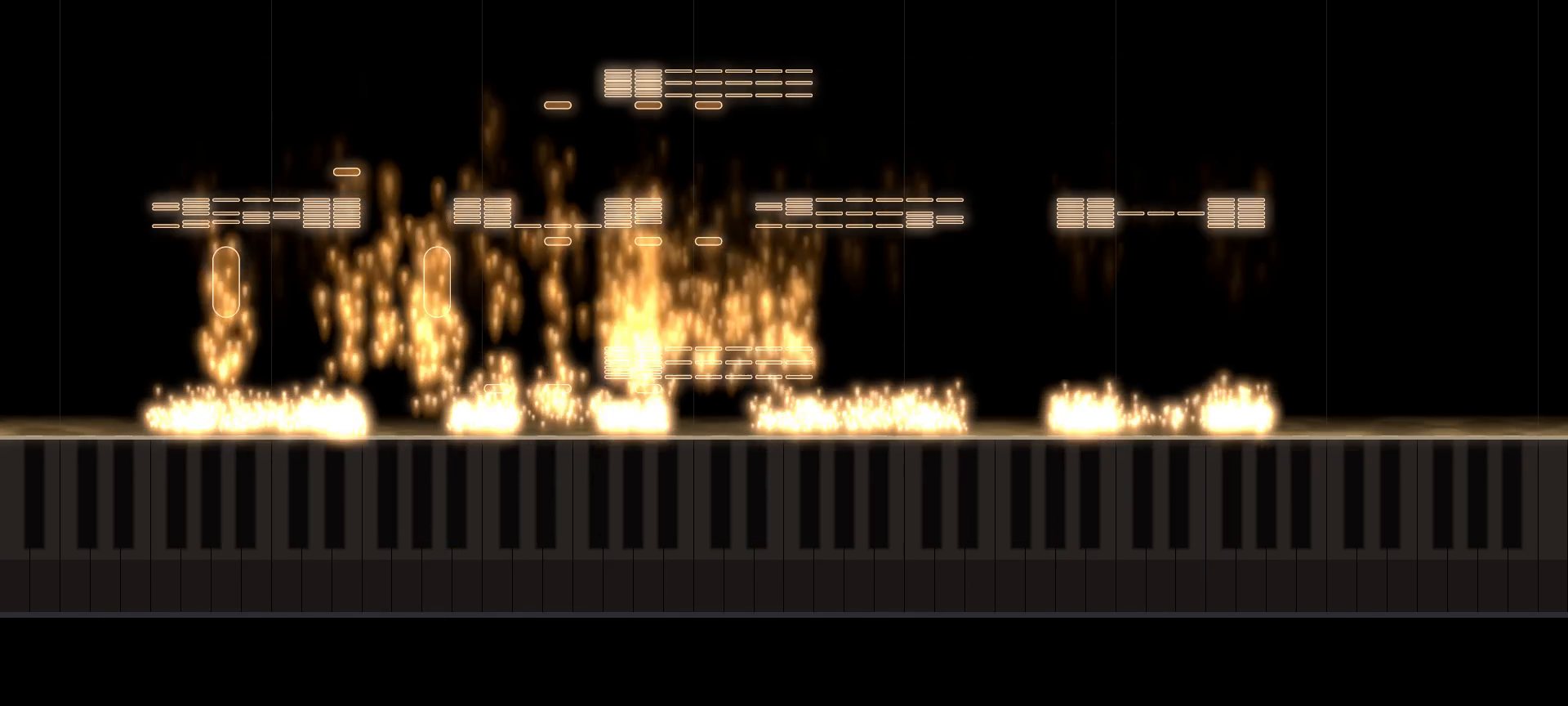
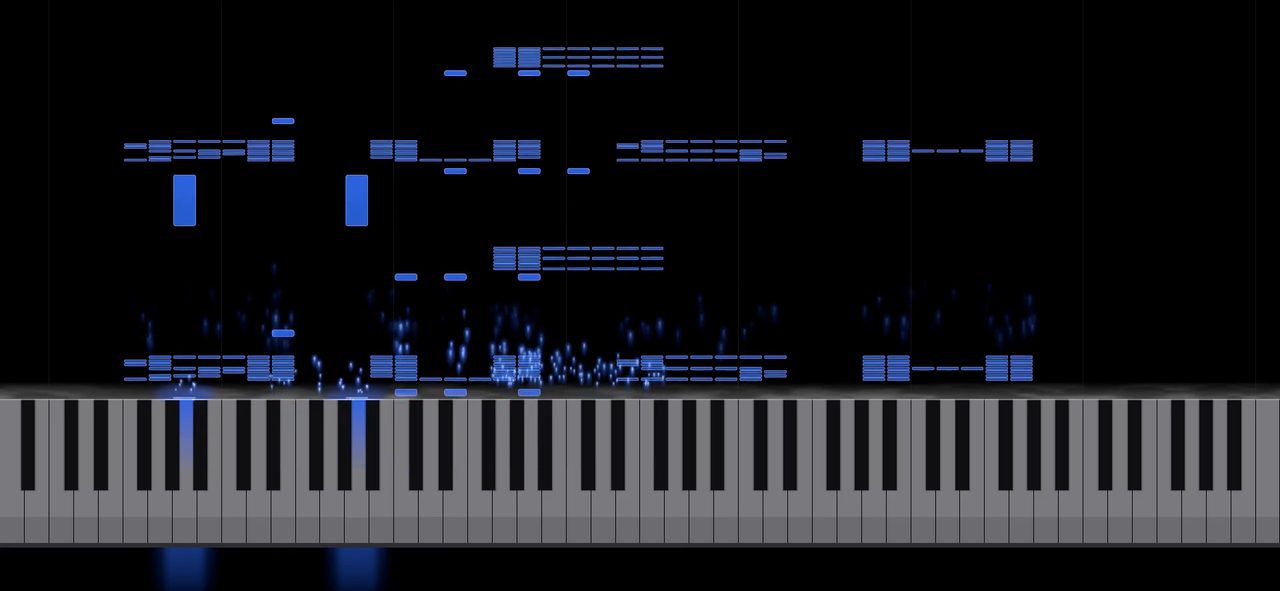
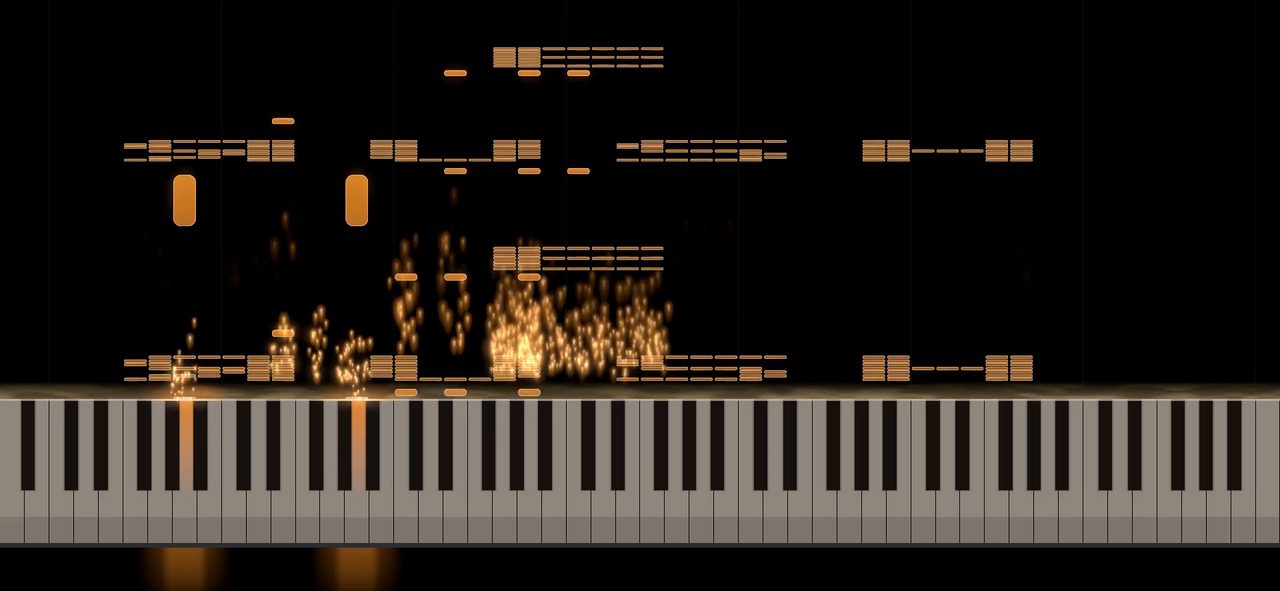
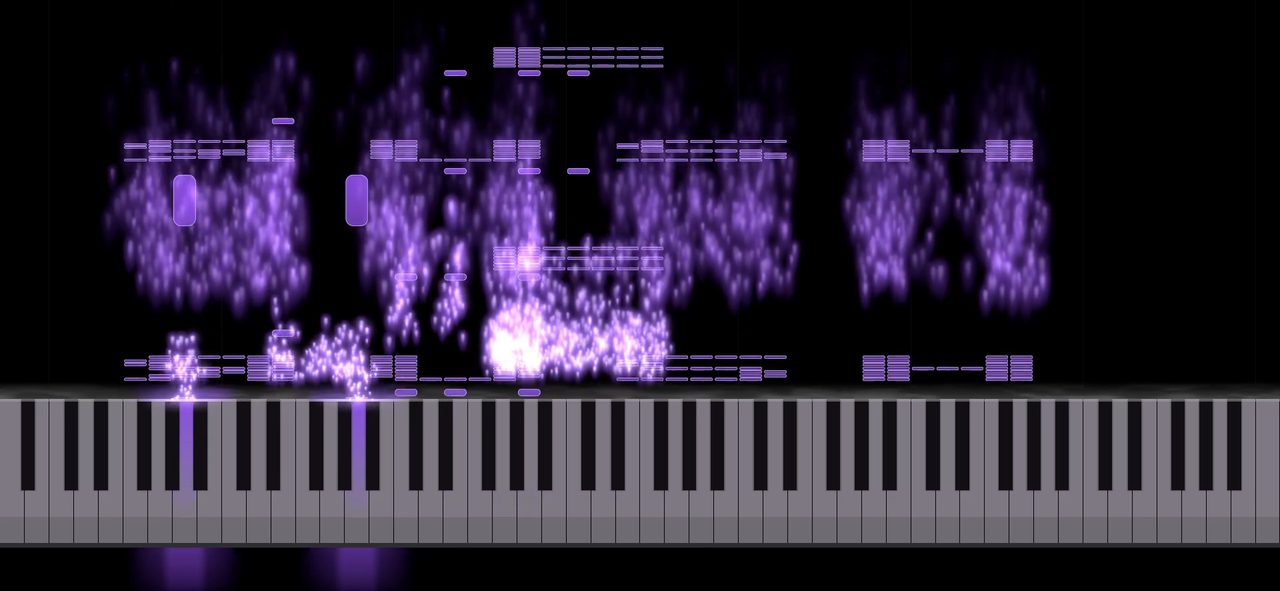
Default, Midnight and Amber come with the app. Amber Glass and Flame come with a licence, along with Ice, Lacquer, Walnut and Neon.
Spout on Windows, Syphon on macOS, window capture on Linux. The picture stays transparent, and it keeps drawing at 60 frames a second while the window is covered, minimised, or on another desktop.
The video is rendered frame by frame at 1080p60, so a stutter on the desktop never reaches the file. The piano sound is lined up with the notes. A recording from the piano can be the soundtrack instead.
Ctrl+R saves what you play, pedal included, as a MIDI file.
A licence removes the watermark and unlocks the options marked with a lock.
The rest of the panel works without one.
Without a licence
- Live playing and MIDI files
- Speed, colours, the keyboard, particles and glow
- Default, Midnight and Amber
- OBS and export, with a small watermark
With a licence
- The watermark removed
- Amber Glass, Ice, Flame, Lacquer, Walnut and Neon
- Outlined notes, modelled keys and flame particles
- A reflection of the keys in the export
$30, one-time purchase. No subscription and no account. It works offline. The key arrives by email; paste it into the Licence card in the app.
Windows: the Microsoft Store.
Linux: the AppImage (101 MB) for any 64-bit distribution from Ubuntu 22.04 and Debian 12 on. Mark it executable and open it. There is also a tarball (84 MB) and checksums.
macOS coming soon, email us for a preview build.
Orot is made by a father-son team in South Africa.